Your first video.
Five simple steps.
From website link to final cut. Follow the pictures below, then make something worth sharing.
Screenshots use example content. Your project, theme and available settings may look different.
Start with your website
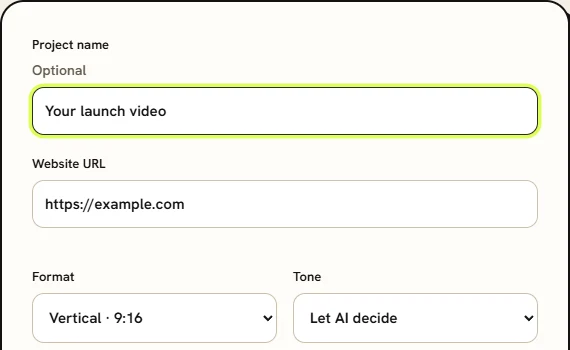
Sign in, then paste the public website URL you want to turn into a video. Add a project name if you like.
Choose the look and sound
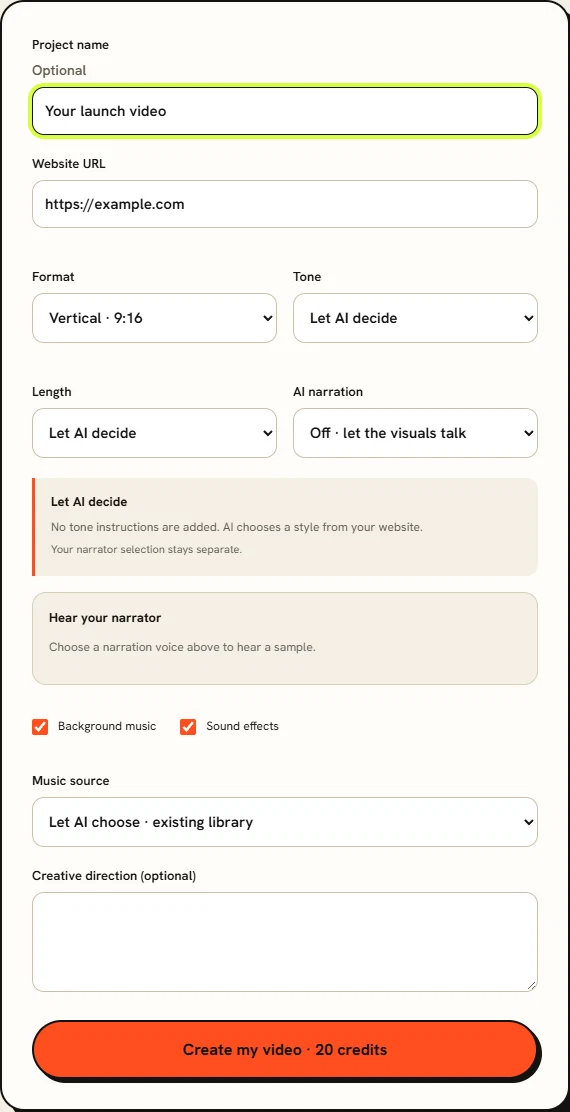
Pick your format, tone and length. Choose optional narration, background music and sound effects. You can upload your own soundtrack and add creative direction. Only use media you have permission to use.
Generate, then open your editor
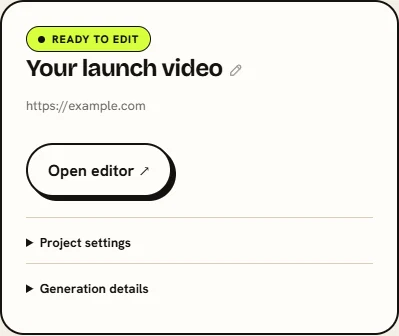
Click Create my video after checking the displayed credit cost. Follow progress under Your projects. When the project says Ready to edit, click Open editor.
Preview and make it yours
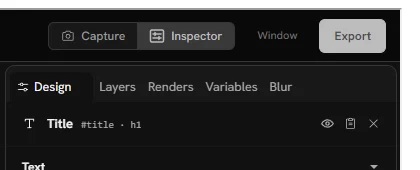
Play the preview. Select an element to adjust it in the design panel, and use the timeline to review timing. Save your changes. For AI-assisted changes, open the AI editor, describe the change and review the proposal before applying it.
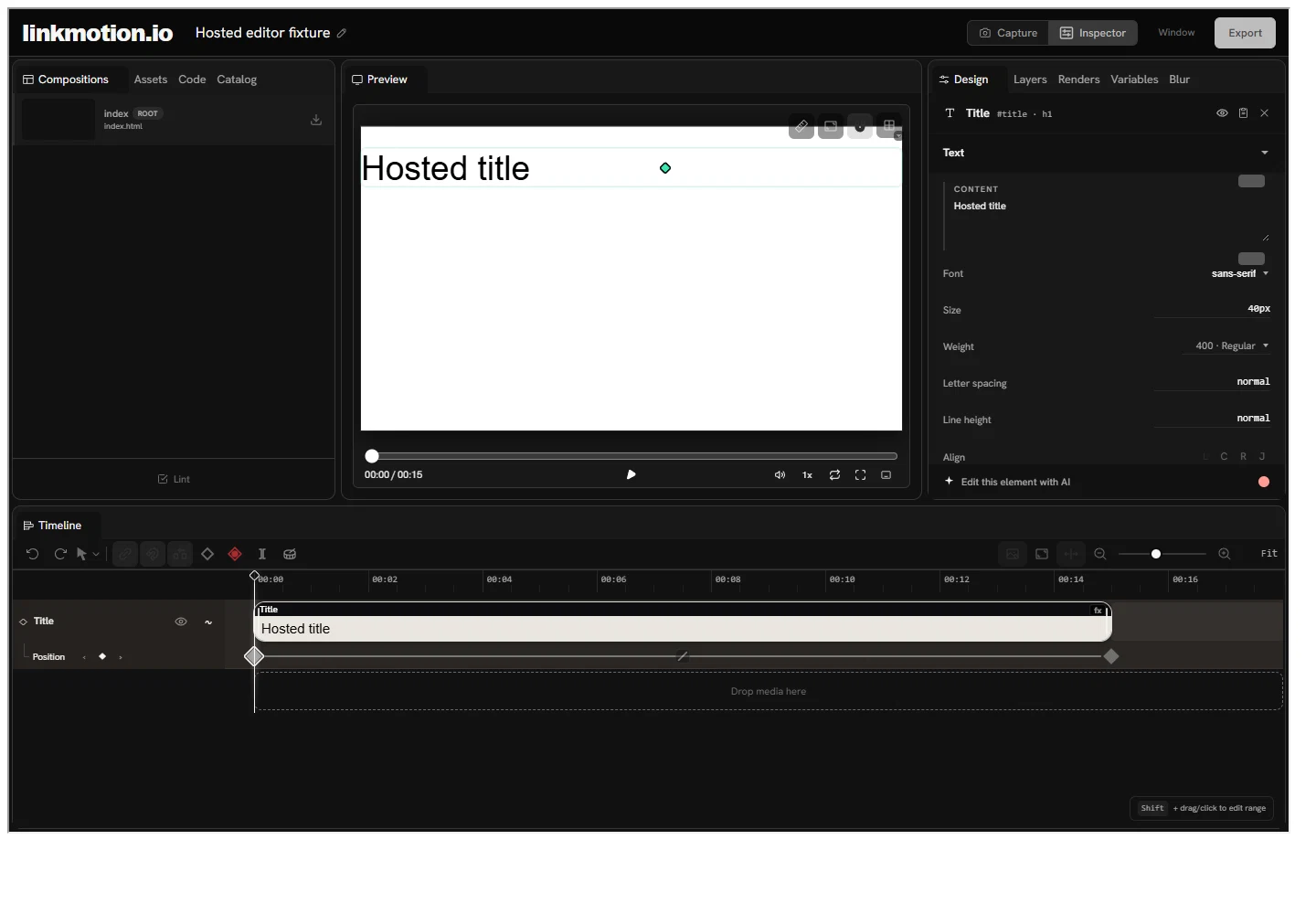
Export your final cut
Click Export in the editor. Choose your format, quality, frame rate and resolution, then click Share this tab & download. Select this Linkmotion tab in the browser sharing prompt. Switching tabs or apps pauses capture; return to resume it. Enlarge the browser for more detail, and keep the tab open until the download starts. Play the downloaded video once before sharing it.